Fix with AI prompts
For each issue, PostHog can generate a ready-to-use prompt that helps your coding assistant debug and fix the error. Each prompt includes the issue's stack trace along with prepared instructions for the AI to follow.
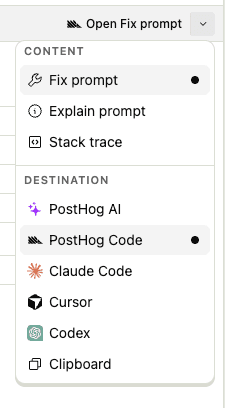
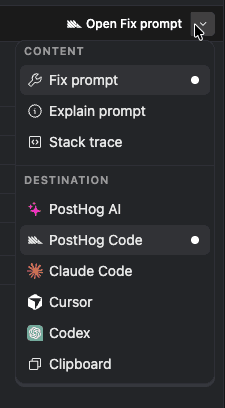
To use it, click Fix with AI on the issue details page. This opens a menu with two choices:
- What to generate — a fix prompt, an explain prompt, or just the raw stack trace.
- Where to open it — directly in PostHog AI in your browser, copied to your clipboard, or via a deeplink that opens it in your favorite editor: PostHog Code, Claude Code, Cursor, or Codex.